Sales Automation: The Complete Startup Guide
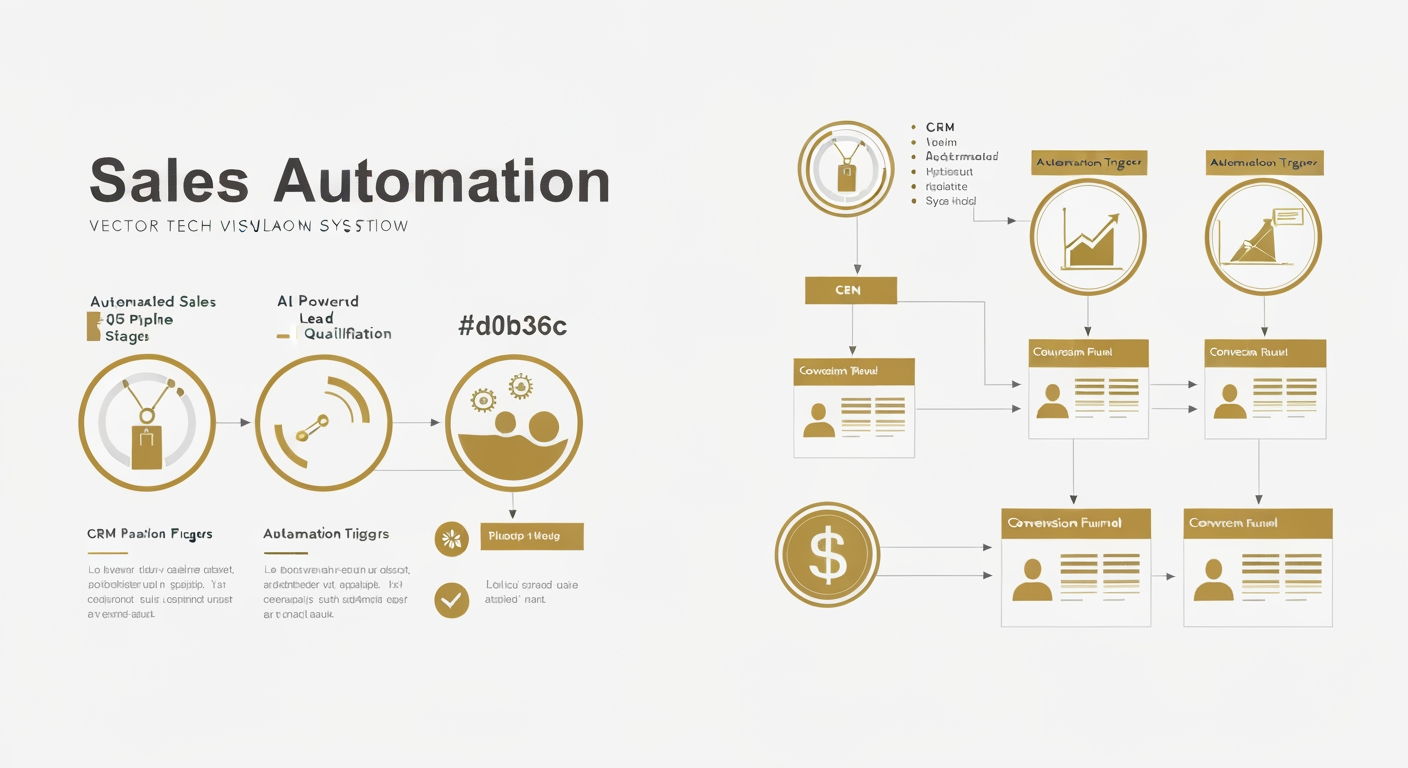
Sales automation isn't about replacing your sales team—it's about empowering them to focus on what humans do best: building relationships and closing deals. This comprehensive guide shows startups how to implement automation workflows that increase efficiency, accelerate revenue, and scale growth.
Why Startups Need Sales Automation
Early-stage startups face a universal challenge: limited resources with unlimited growth ambitions. Sales teams are stretched thin, trying to prospect, qualify, nurture, and close deals simultaneously. Manual processes create bottlenecks, opportunities slip through cracks, and revenue growth stalls.
Sales automation solves this by handling repetitive tasks—data entry, follow-up scheduling, lead scoring, email sequences—freeing your team to focus on high-value activities. Companies that implement sales automation see 14.5% increase in sales productivity and 12.2% reduction in marketing overhead.
Core Components of Sales Automation
Lead Capture & Distribution
Automatically capture leads from multiple sources (website forms, social media, events) and route them to the appropriate sales rep based on territory, product expertise, or workload balancing. Instant lead routing increases contact rates by 391% and conversion rates by 300%.
Intelligent Lead Scoring
Automatically score leads based on demographic data (company size, industry, role) and behavioral signals (website visits, email engagement, content downloads). Focus your team's energy on leads most likely to convert, improving efficiency and close rates.
Email Sequences & Follow-ups
Create personalized email sequences triggered by specific actions or timelines. Automated follow-ups ensure no lead goes cold, with studies showing that 80% of sales require five follow-ups, but 44% of salespeople give up after one.
Building Your First Automation Workflow
Start with a simple but powerful workflow: new lead nurturing. Here's a step-by-step implementation:
Step 1: Define Entry Criteria
Trigger: New lead submits website contact form
Criteria: Lead score above 50 (indicating strong fit based on company size, industry, or role)
Step 2: Immediate Actions
- • Send instant automated confirmation email
- • Create deal in CRM
- • Assign to appropriate sales rep based on territory
- • Schedule task for rep to make first contact within 5 minutes
Step 3: Nurture Sequence
- • Day 1: Personal introduction email from assigned rep
- • Day 3: Send relevant case study (if no response)
- • Day 7: Share product demo video (if still no response)
- • Day 14: Offer calendar booking for consultation
- • Day 21: Final value-driven outreach before moving to long-term nurture
Step 4: Engagement-Based Branching
If lead engages (opens emails, clicks links, visits pricing page):
- • Increase lead score
- • Alert sales rep immediately
- • Send high-intent content (pricing details, customer testimonials)
- • Trigger phone call task
Advanced Automation Strategies
Deal Stage Automation
Automatically progress deals through your pipeline based on completed activities. When a discovery call is logged, automatically move the deal to "Needs Analysis" stage and create tasks for proposal creation. When proposal is sent, set reminder for follow-up in 48 hours.
Predictive Lead Prioritization
Use AI to analyze historical data and identify patterns in your best customers. Machine learning models can predict which leads are most likely to convert, enabling your team to prioritize outreach intelligently. This approach can increase conversion rates by 20-30%.
Account-Based Sales Automation
For B2B startups targeting enterprise accounts, automate multi-touch campaigns across decision-makers at target companies. Track engagement across all contacts, and alert your team when multiple stakeholders show interest—a strong buying signal.
Maintaining the Human Touch
The biggest automation mistake is over-automating. Sales is fundamentally about relationships, and customers can spot impersonal automation instantly. Follow these principles:
- Personalize at Scale: Use merge fields, dynamic content, and segmentation to make automated messages feel personal
- Human Intervention Points: Design workflows that alert reps at key moments requiring personal touch
- Value Over Volume: Every automated touchpoint should provide genuine value, not just remind prospects you exist
- Test and Optimize: Continuously refine messaging, timing, and sequences based on engagement data
Measuring Automation Success
Track these key metrics to evaluate your sales automation effectiveness:
- Lead Response Time: How quickly are leads contacted after entering your system?
- Conversion Rates by Stage: Where do prospects drop off in your automated funnel?
- Email Engagement Rates: Are your automated emails being opened and clicked?
- Sales Cycle Length: Is automation accelerating time-to-close?
- Sales Team Efficiency: Are reps spending more time selling and less on administrative tasks?
Common Pitfalls to Avoid
Many startups stumble when implementing sales automation. Avoid these mistakes:
Automating broken processes: Fix your sales process first, then automate it. Automation amplifies both efficiency and dysfunction.
Ignoring data quality: Automation depends on clean, accurate data. Invest in data hygiene practices from day one.
Set-it-and-forget-it mentality: Automation requires ongoing optimization. Review performance monthly and refine workflows.
Overcomplicating workflows: Start simple. Master basic automation before building complex, multi-branch workflows.
Key Takeaway
Sales automation transforms startups from reactive to proactive, from overwhelmed to organized, from inefficient to high-performing. By automating repetitive tasks, intelligently scoring and routing leads, and maintaining personalized engagement at scale, you empower your team to focus on what drives revenue: building relationships and closing deals. Start small, measure relentlessly, and scale what works.
Ready to Automate Your Sales Process?
Discover how Azetax can help you build intelligent sales workflows that accelerate revenue.
Get Started